


Looking for the best educational apps for your toddler? Here’s a quick breakdown of 12 top-rated apps designed to boost early learning in areas like reading, math, motor skills, and emotional development. These apps are safe, ad-free, and tailored for young learners, making screen time productive and engaging.
Highlights:
- ABCmouse Early Learning Academy: Comprehensive learning with 10,000+ activities ($12.99/month).
- Khan Academy Kids: Free, ad-free app with 5,000+ activities for literacy, math, and emotional skills.
- Endless Alphabet: Fun vocabulary-building with interactive puzzles.
- Busy Shapes: Shape-sorting puzzles inspired by Piaget’s learning theories.
- Toca Kitchen 2: Open-ended play to develop creativity and problem-solving.
- Monkey Preschool Lunchbox: Mini-games for counting, memory, and colors.
- Starfall ABCs: Phonics-based learning for early literacy.
- Moose Math: Math games aligned with Common Core standards.
- Thinkrolls: Physics-based puzzles for critical thinking.
- Sesame Street Alphabet Kitchen: Phonics and vocabulary with Elmo and Cookie Monster.
- Teach Your Monster to Read: Phonics-focused app for building reading skills.
- Fionadarocha School Readiness Resources: Interactive tools for school preparation.
Quick Comparison:
| App Name | Focus Areas | Cost | Notable Features |
|---|---|---|---|
| ABCmouse | Reading, Math, Science, Arts | $12.99/month | 10,000+ activities, progress tracking |
| Khan Academy Kids | Literacy, Math, Emotional | Free | Personalized learning, offline library |
| Endless Alphabet | Vocabulary, Phonics | $8.99 (one-time) | Animated puzzles, no time limits |
| Busy Shapes | Problem-Solving, Shapes | $2.99 (one-time) | Adaptive difficulty, 150 levels |
| Toca Kitchen 2 | Creativity, Motor Skills | Free | Open-ended gameplay, no rules or ads |
| Monkey Preschool Lunchbox | Numbers, Colors, Memory | $1.99 (one-time) | 6 mini-games, audio instructions |
| Starfall ABCs | Phonics, Reading | Free | Interactive books, accessibility features |
| Moose Math | Counting, Geometry | Free | 5 mini-games, progress tracking |
| Thinkrolls | Physics, Problem-Solving | $4.99 (one-time) | 207 puzzles, adaptive levels |
| Sesame Street Alphabet Kitchen | Phonics, Vocabulary | $2.99 (one-time) | 350+ word-building activities |
| Teach Your Monster to Read | Phonics, Reading | $4.99 (iOS), Free (Web) | 15+ hours of gameplay, progress tracking |
| Fionadarocha | School Readiness | Varies | Curriculum-aligned content, personalized paths |
These apps combine fun and learning, offering a variety of features to meet your child’s developmental needs. Whether you’re focusing on literacy, math, or creativity, there’s an app here for every toddler.
Favorite Free Educational Apps for Toddlers & Preschoolers
1. ABCmouse Early Learning Academy
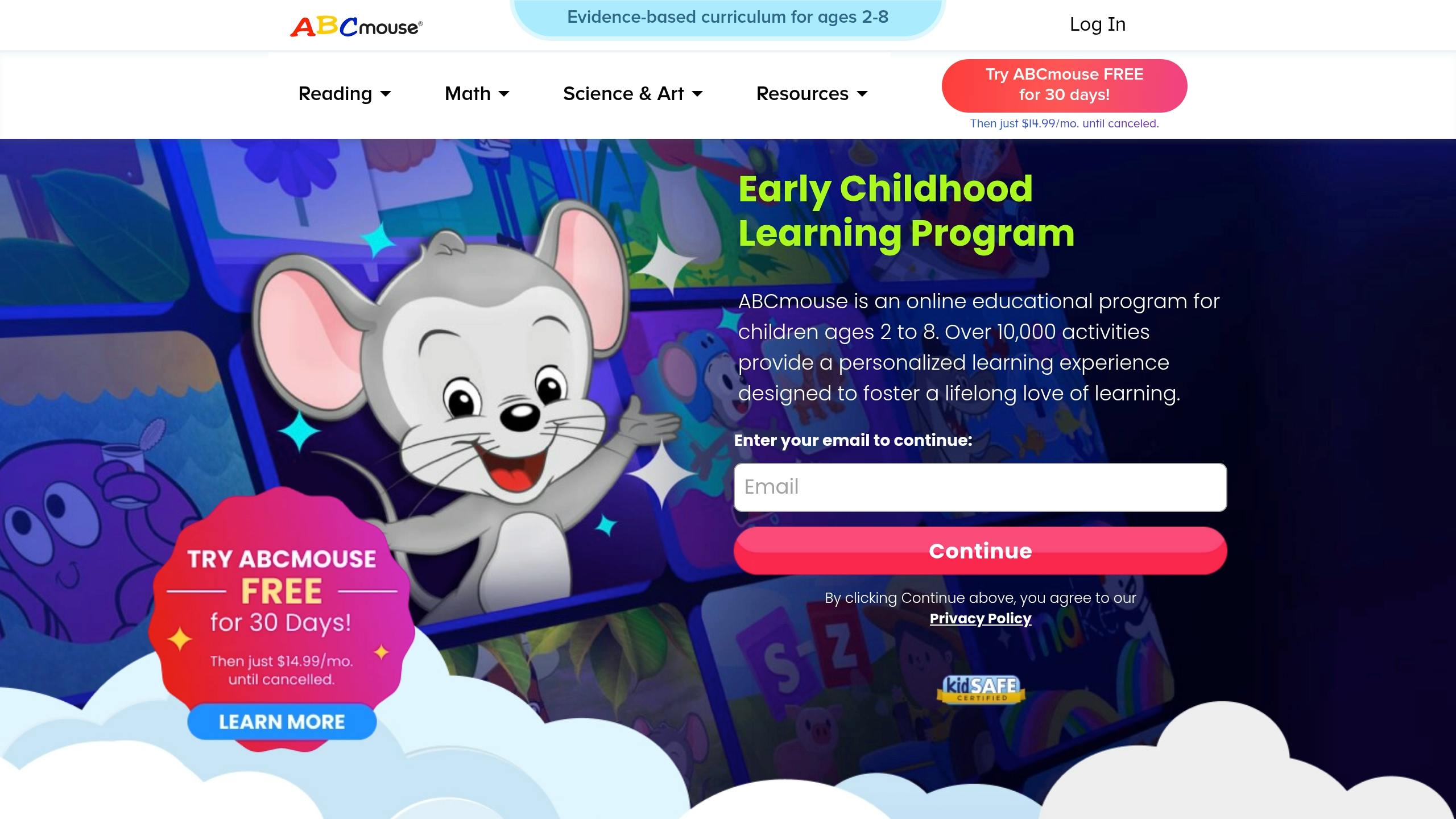
ABCmouse Early Learning Academy is designed for kids aged 2–8, offering a wide range of content in literacy, math, science, and the arts . The app uses a Step-by-Step Learning Path with over 850 lessons spread across 10 levels, making it easy for toddlers to build skills through interactive lessons .
| Learning Category | Available Content |
|---|---|
| Reading & Language | 450+ books, phonics activities |
| Mathematics | Numbers, shapes, counting games |
| Science & Social Studies | Animals, weather, seasons |
| Arts & Music | Drawing tools, original songs |
| Spanish Content | 900+ books and activities |
With more than 10,000 learning activities , ABCmouse is widely used in over 70,000 classrooms and nearly half of U.S. public libraries . Parents appreciate the Tickets and Rewards System, which keeps kids motivated to learn.
A subscription costs $12.99 per month and includes up to four child profiles, each tracking progress individually across subjects .
Notable Features
- Voiced instructions for pre-readers
- Interactive environments like a zoo, aquarium, and farm
- Customizable avatars for kids
- Access to over 2,000 printable activities
- Tools for tracking learning progress
ABCmouse has earned recognition through awards like Mom’s Choice GOLD, Teachers’ Choice, and Parents’ Choice GOLD , underscoring its value for early education.
Up next, we’ll take a closer look at Khan Academy Kids, another app catering to young learners.
2. Khan Academy Kids
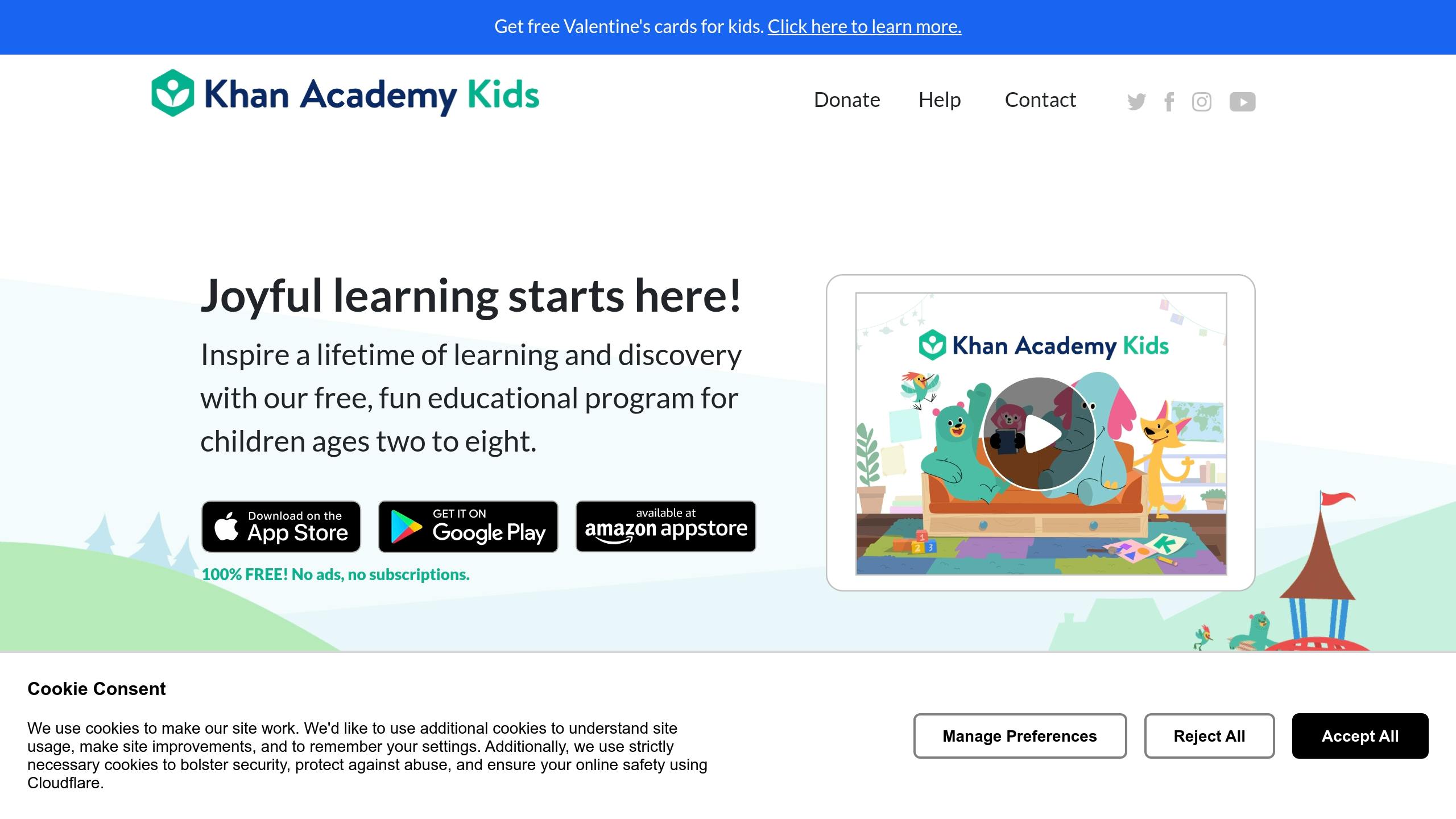
Khan Academy Kids is a free app designed for children aged 2–8. It’s ad-free and doesn’t charge any fees, making it a favorite among parents and educators. The app boasts impressive ratings: 4.8/5 on the App Store (with over 103,700 ratings) and 4.7/5 on Google Play (with more than 49,200 reviews) .
| Learning Category | Content Offerings |
|---|---|
| Early Literacy | 400+ books, letter sounds, phonics |
| Mathematics | Numbers, counting, shapes |
| Social-Emotional | Interactive stories, character growth |
| Creative Skills | Coloring pages, drawing activities |
| Language | English and Spanish content |
The app uses a personalized learning system that adjusts content based on each child’s progress. With over 5,000 activities and games, it aligns with the Head Start Early Learning Outcomes Framework and Common Core Standards . This personalized approach blends perfectly with its interactive and engaging design.
Key Features
Khan Academy Kids includes voiced instructions and interactive elements to guide children. It also offers an offline library packed with activities, ensuring kids can learn without an internet connection. The integration of Super Simple Songs, which combines animation and puppetry, adds another layer of fun and engagement .
Parents and educators alike praise the app for its balance of academic and emotional learning. For example, M. Nemerow shared on Twitter:
"My 4-year-old is working on @khanacademy’s app @khanacademykids this morning and loving it. The combo of school facts along with social/emotional content is outstanding."
Educational Coverage
Khan Academy Kids covers a wide range of foundational learning areas, including:
- Letter Recognition: Teaching upper and lowercase letters.
- Phonics: Focusing on beginning, middle, and ending sounds.
- Reading: Helping children develop reading skills step by step.
- Math: Introducing age-appropriate numerical concepts.
- Privacy Protection: Ensuring compliance with COPPA to safeguard children’s data.
This app is a well-rounded tool for early learning, offering both educational depth and privacy protection.
3. Endless Alphabet
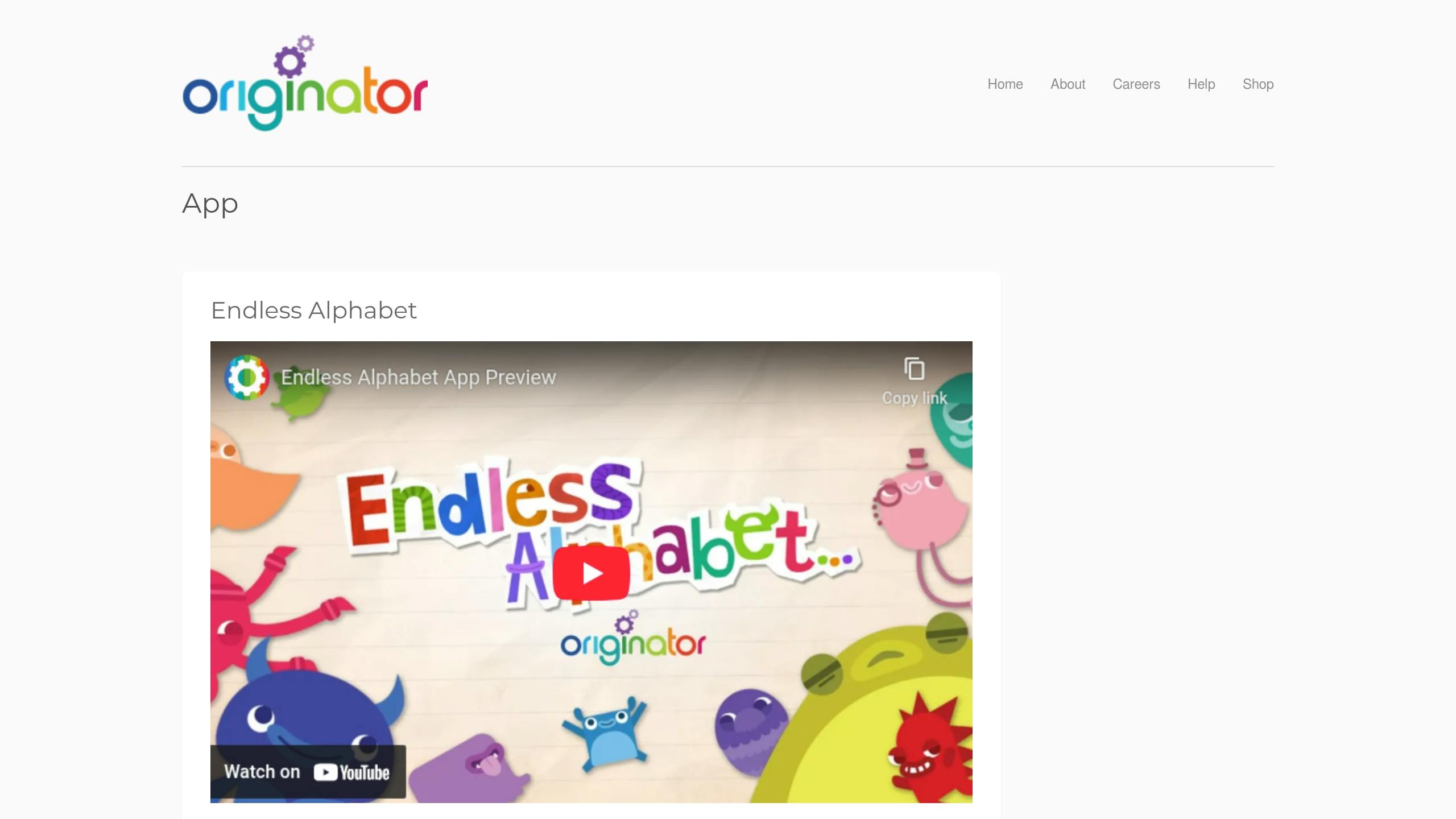
Endless Alphabet is designed to boost early literacy by introducing toddlers to new vocabulary in a fun and interactive way. Recognized with Apple’s App Store Best of 2013 award , it features over 70 interactive word puzzles that are regularly updated .
Interactive Learning Experience
This app stands out by blending engaging elements with educational benefits:
| Feature | How It Helps Kids Learn |
|---|---|
| Talking Letters | Builds phonetic awareness and pronunciation skills |
| Interactive Puzzles | Improves fine motor skills through drag-and-drop games |
| Animated Monsters | Explains word meanings with fun, visual storytelling |
| Ad-Free Environment | Keeps kids focused without distractions |
| Self-Paced Learning | Removes time limits and scores, reducing learning stress |
What makes Endless Alphabet unique is its inclusion of advanced vocabulary that goes beyond typical preschool content. For instance, kids might see a monster grow to "gargantuan" size or learn "invisible" as paint splashes reveal hidden letters .
Educational Value
Amanda Bindel from Common Sense Education highlights:
"Animated words and definitions grab kids’ attention and introduce challenging and unique vocabulary."
The app supports learning through multiple senses by combining:
- Visual Learning: Bright animations make words and concepts easy to remember.
- Auditory Learning: Phonetic pronunciations help with letter and word recognition.
- Kinesthetic Learning: Drag-and-drop activities enhance hand-eye coordination.
Its no-pressure approach, free of scoring systems or time limits, allows children to explore and learn at their own pace . This creates a strong base for more structured literacy development.
Teaching Methodology
Each puzzle reinforces key literacy skills like letter recognition, phonics, and word meanings through interactive play . Educators praise the app’s simplicity and effectiveness, especially for kids struggling with early reading skills . By blending phonics with vocabulary building, it lays a strong groundwork for future reading success .
4. Busy Shapes
Busy Shapes, recognized as an Apple App Store Best of 2014 winner, brings shape-sorting to life with an interactive, problem-solving approach inspired by Jean Piaget’s theories .
Smart Learning Design
This app tailors challenges to match a child’s progress, making it ideal for toddlers aged 2 and older . Its simple interface ensures the focus stays on learning.
| Learning Stage | Skills Developed | Activities |
|---|---|---|
| Basic | Shape Recognition | Matching and sorting basic shapes |
| Intermediate | Color Association | Multi-shape puzzles with color elements |
| Advanced | Problem-Solving | Navigating obstacles and using tools |
Progressive Challenge System
With 150 levels, Busy Shapes starts with simple shape-matching tasks featuring vibrant visuals, progresses to multi-shape puzzles involving color, and culminates in advanced challenges requiring logical thinking and obstacle navigation .
Common Sense Media highlights the app’s thoughtful design:
"The design is smart, keeping the screen, the actual ‘playground,’ clean and elegant so kids can explore and learn. And the concept is smart: It’s not about rote learning such as memorizing shapes or colors or letters; rather, it’s about working with the ways kids develop cognitive skills."
This step-by-step progression, combined with adjustable settings, allows parents to personalize the experience for their child.
Customization Features
Parents can access a settings menu by double-clicking the top left corner and solving a simple math problem. Options include volume control, user profiles, timer adjustments, difficulty settings, and a practice mode that targets specific shapes or colors .
Busy Shapes has earned recognition in early childhood education, receiving accolades like the Common Sense Media Editors’ Pick 2014, Parents’ Choice Awards 2014, and Children’s Technology Review Awards 2014 . Its design encourages kids to tackle challenges repeatedly without fear of failure, helping them build both confidence and persistence .
5. Toca Kitchen 2
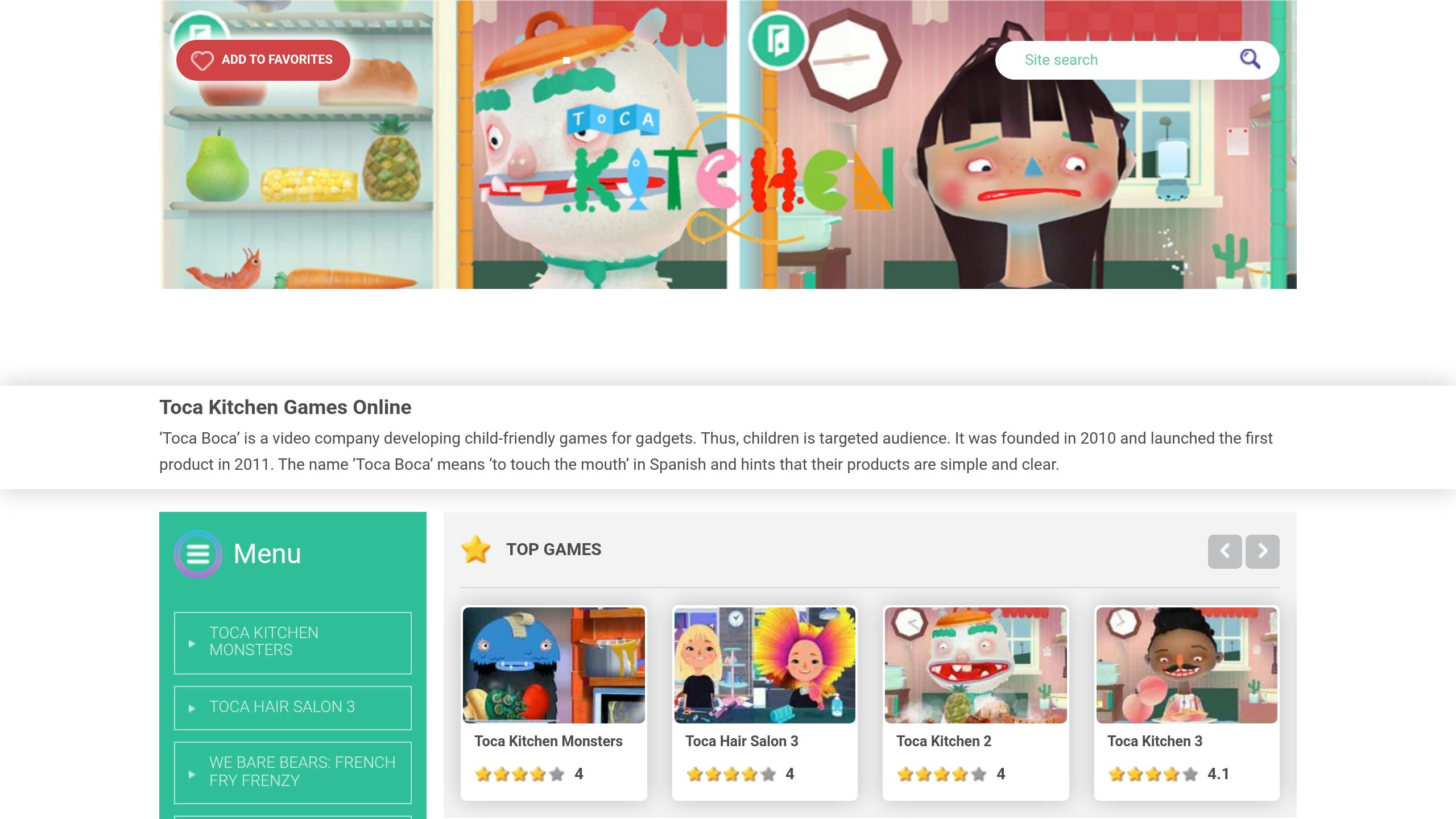
Toca Kitchen 2, downloaded over 100 million times since its release in 2013, is a fun and educational app designed for toddlers aged 3 and up. It helps kids build fine motor, cognitive, and social skills while they play .
Learning Through Play
This sandbox-style app encourages kids to explore and experiment with 16 different foods. They can cut, juice, fry, bake, or boil ingredients, sparking creativity and teaching problem-solving skills .
| Feature | How It Helps | Skills Gained |
|---|---|---|
| Open-ended gameplay | Encourages creativity | Decision-making |
| Character reactions | Teaches empathy | Social awareness |
| Cooking tools | Builds coordination | Fine motor skills |
| Food combinations | Promotes experimentation | Critical thinking |
Designed for Education
Common Sense Education highlights the app’s thoughtful design:
"Toca Kitchen 2 shines as a platform for no-rules, no-wrong-answers, open-ended play."
With easy slide-and-drop controls and instant feedback from virtual characters, kids quickly understand cause-and-effect relationships. These features make it both engaging and educational .
Developmental Benefits
Toca Kitchen 2 supports several key areas of development:
- Fine Motor Skills: Improved through actions like dragging, tapping, and using cooking tools.
- Memory: Strengthened by remembering effective food combinations.
- Emotional Awareness: Enhanced by observing character reactions to different dishes.
- Problem-Solving: Encouraged through experimenting with various cooking methods.
Children and Media Australia underscores the app’s value:
"Providing opportunities for good fine motor development, synthesis with more planned cooking preparations, memorising and emotion recognition, this game is an effortless educator."
Realistic details, like food browning during cooking, create an immersive experience. These features not only make learning fun but also introduce kids to healthy eating habits and culinary creativity .
6. Monkey Preschool Lunchbox
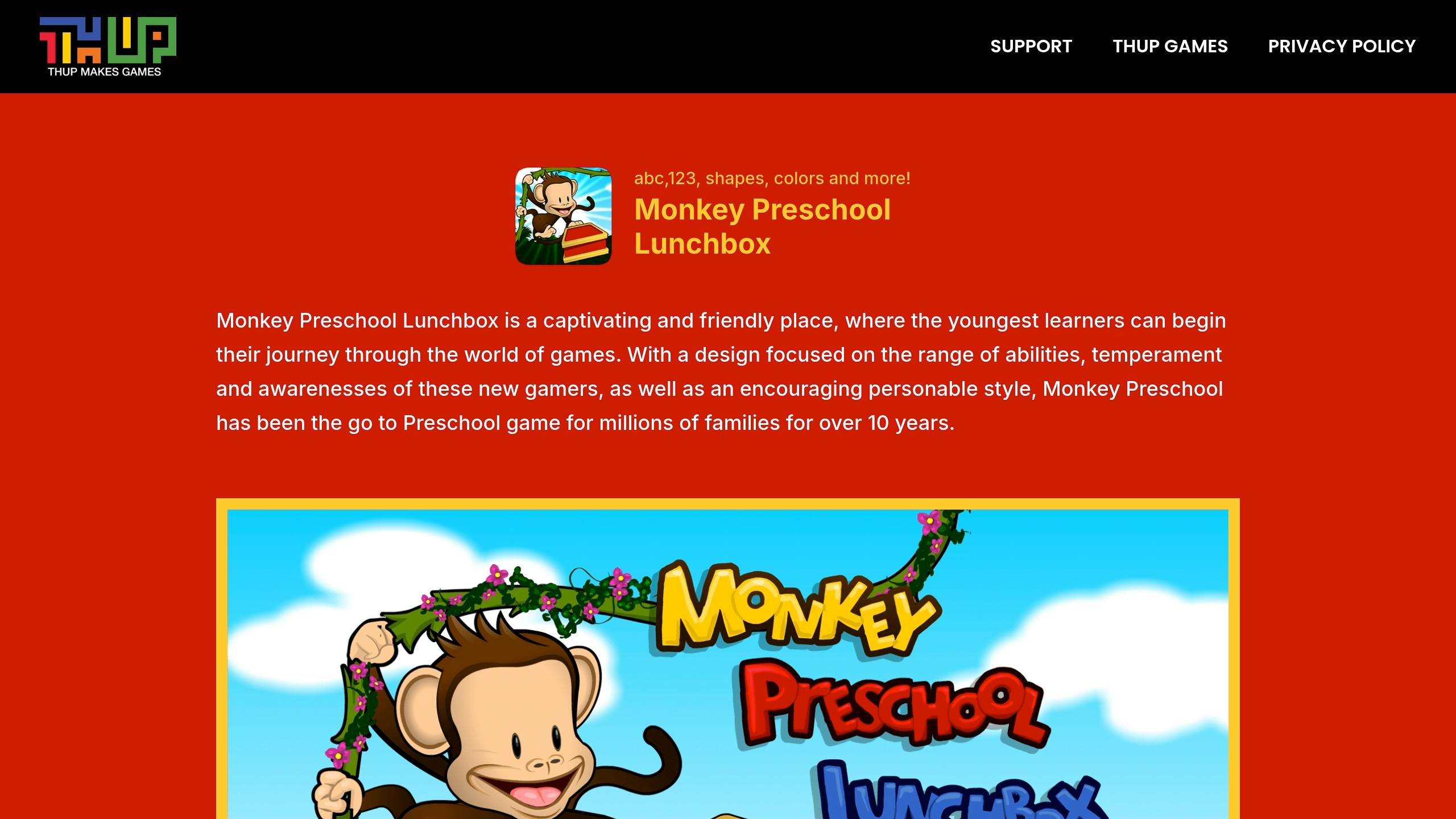
Monkey Preschool Lunchbox is a fun and engaging app designed to support early learning. With six mini-games aimed at building essential skills for young children, it has been a go-to educational tool for families for over a decade . Scoring a 4.1 out of 5 on the App Store , this app blends entertainment with learning in a way that keeps kids coming back for more.
Core Learning Activities
The app uses interactive mini-games to teach key skills:
| Learning Area | Activity | Skills |
|---|---|---|
| Mathematics | Counting fruit (up to 10) | Number recognition |
| Visual Skills | Memory matching | Pattern recognition |
| Problem-Solving | Simple puzzles | Spatial awareness |
| Language | Letter activities | Early literacy |
| Basic Concepts | Color matching | Visual discrimination |
| Fine Motor | Drag-and-drop games | Hand-eye coordination |
Educational Design
Monkey Preschool Lunchbox is designed to encourage independent learning with features such as:
- Audio Instructions: Clear voice prompts guide children through activities without overwhelming them.
- Simple Navigation: Easy-to-use menus ensure kids can explore the app on their own.
- Unlimited Play: Kids can practice skills at their own pace, free from time limits.
- Instant Feedback: Positive reinforcement helps build confidence as they learn .
These thoughtful design elements make the app user-friendly and engaging for young learners.
Expert Recognition
Monkey Preschool Lunchbox has received consistent praise, earning a 4.1 rating on the App Store and a 4.0 rating from the Educational App Store . One long-time user shared:
"This is the longest running app on all our devices because our 13-year-old grandson wanted it when he was a toddler. He loved it, it has entertained all 8 of our grandchildren over the years. Now the youngest, age 3, loves this app too. It is educational and seems to catch their attention well while teaching them too."
Learning Support
The app provides gentle guidance when children make mistakes, encouraging them to try again and learn through self-correction . While it doesn’t offer options to adjust difficulty levels or customize characters , its straightforward gameplay has proven effective for teaching early reasoning skills while keeping children entertained .
sbb-itb-af3629d
7. Starfall ABCs
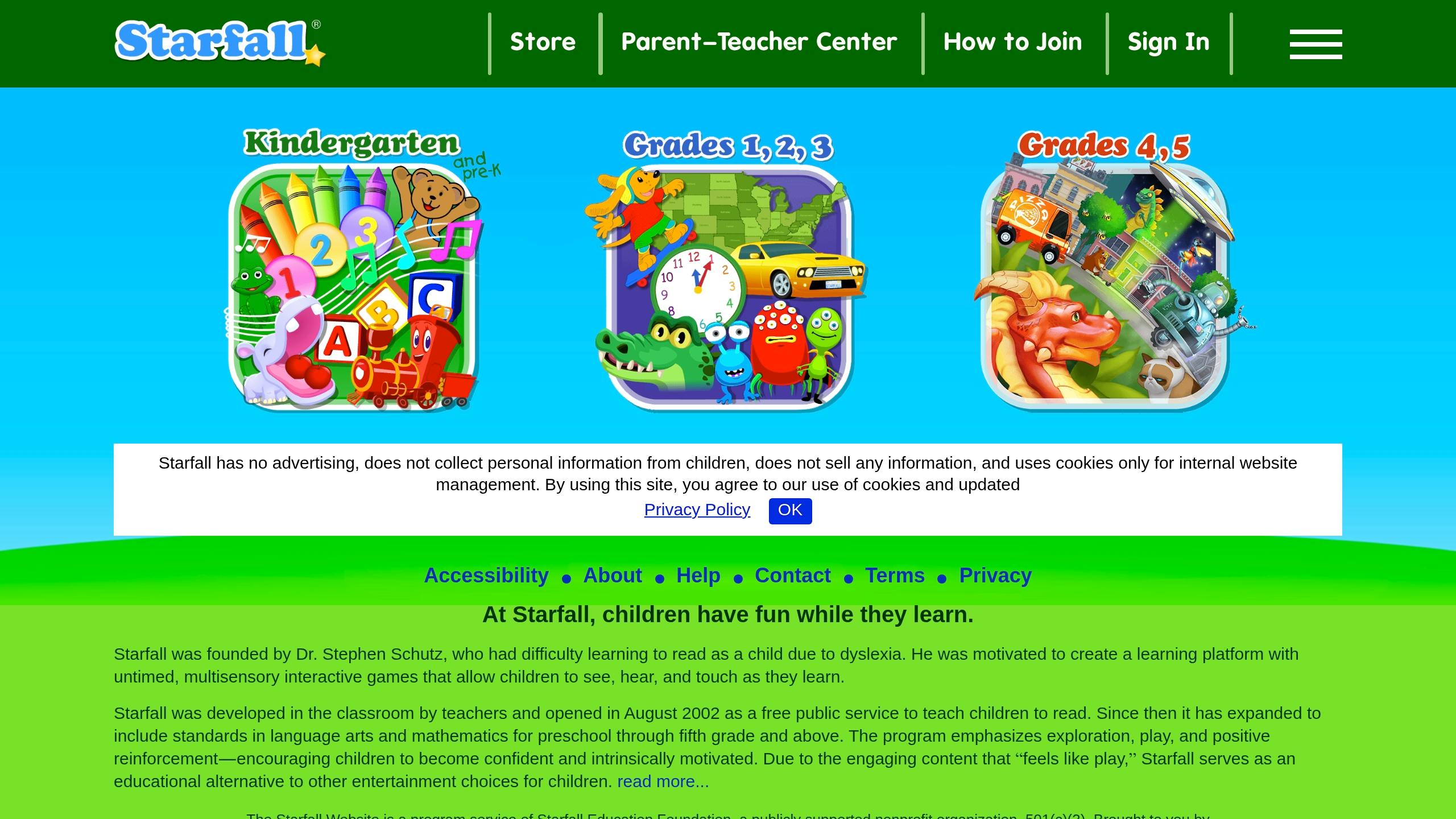
Starfall ABCs helps toddlers develop reading skills using phonics-based learning. With a 4.2/5 rating on the App Store from 402 reviews , this app lays the groundwork for early literacy.
Core Learning Features
The app focuses on four main areas of literacy development:
| Learning Area | Activities | Skills Developed |
|---|---|---|
| Letter Recognition | Interactive Videos | Identifying letters visually |
| Phonemic Awareness | Sound-it-out Games | Connecting sounds to symbols |
| Early Reading | Interactive Books | Recognizing words |
| Language Development | Sentence Building | Understanding basic grammar |
Educational Design
Starfall ABCs uses proven methods to support early learning, including:
- Sequential Learning: Activities follow a structured progression .
- Interactive Engagement: Kids can see, hear, and interact with letters .
- Accessibility Features: Designed for children with visual, hearing, or mobility challenges .
- Positive Reinforcement: Immediate feedback keeps kids motivated .
Expert Recognition
Educators often highlight the app’s impact on young learners. One user shared:
"I can’t say enough good things about this app. I am a nanny and an early childhood education major. It teaches children the letter name and sound and reinforces this with each slide the children move through." – bbxrose
Learning Support
Starfall ABCs is particularly helpful for children learning English. With over 900 activities , it builds reading skills through play and exploration. The app’s sound-it-out techniques enable kids to identify phonemes in words, creating a solid base for reading .
Common Sense Media adds:
"[Starfall] offers a fantastic (and free) learn-to-read method based on numerous studies and educational research. Kids practice letter sounds, word recognition, and reading comprehension through online books, songs, rhymes, and other games."
Up next, we’ll look at another tool designed for early learners.
8. Moose Math
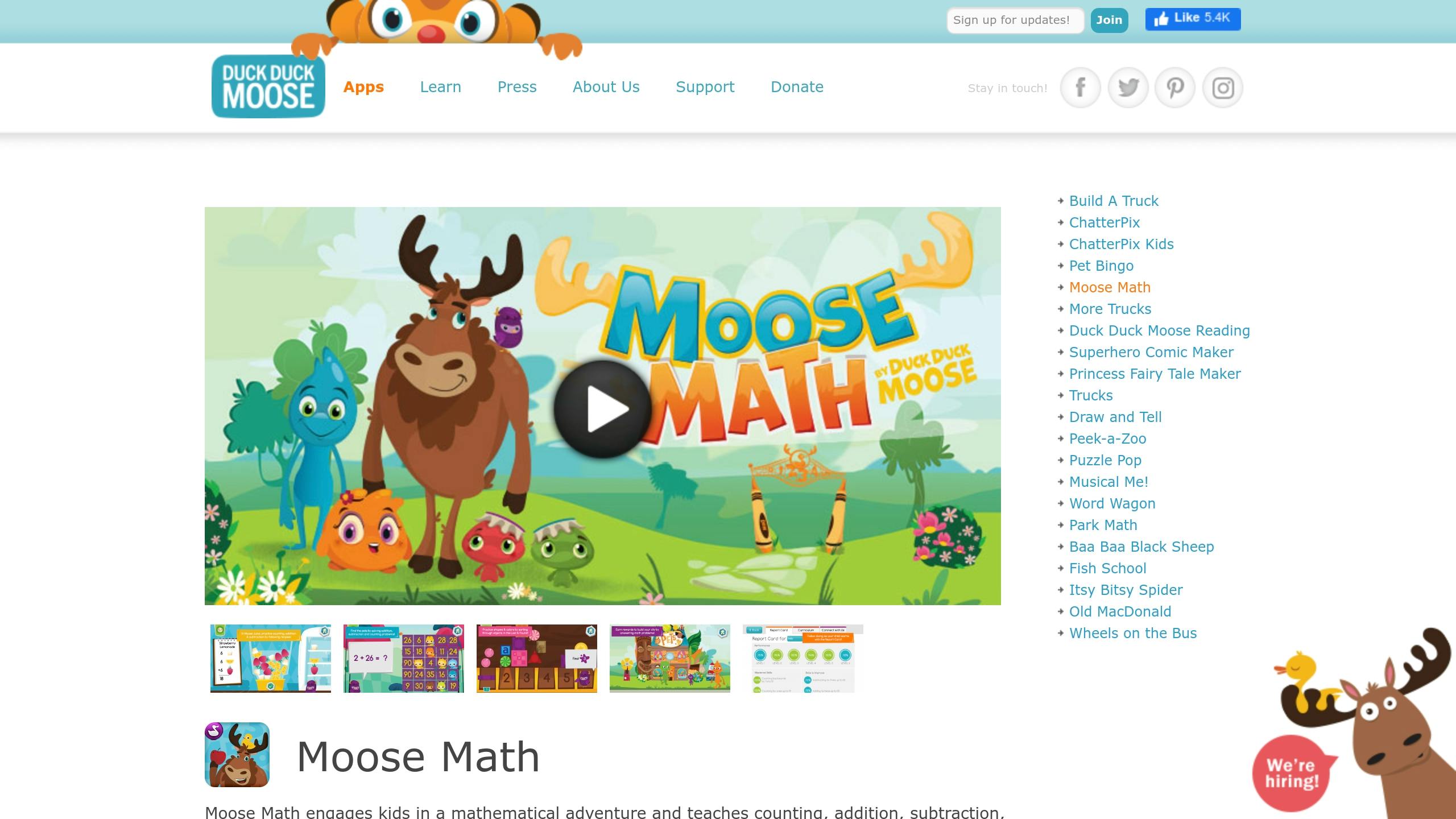
Moose Math is a fun way for toddlers to build early math skills while enjoying a playful adventure. Designed with input from Stanford educator Jennifer DiBrienza, Ph.D., this app has been downloaded over 500,000 times and boasts a 4.0-star rating on Google Play. It aligns with Common Core State Standards for Kindergarten and 1st Grade, ensuring it meets educational benchmarks.
Learning Activities
The app includes five mini-games, each targeting different math skills:
| Activity | Skills | What Kids Do |
|---|---|---|
| Moose Juice | Counting, Addition, Subtraction | Solve math problems to make smoothies |
| Paint Pet | Number Recognition | Match pets by counting dots |
| Pet Bingo | Basic Operations | Practice addition and subtraction through BINGO |
| Lost & Found | Visual Learning | Sort objects by shapes and colors |
| Dot to Dot | Pattern Recognition | Connect the dots to guide Dust Funny home |
Educational Approach
Moose Math focuses on building essential math skills step by step, including:
- Number Understanding: Linking quantities to numerals
- Counting: Practicing with 1’s, 2’s, 5’s, and 10’s up to 100
- Basic Operations: Addition and subtraction up to 20
- Geometry: Recognizing shapes
- Measurement: Comparing lengths and exploring basic measurement concepts
Progress Tracking
Parents and teachers can monitor a child’s growth using the built-in Report Card tool. Common Sense Education praises the app, saying:
"Moose Math is an empowering tool for practicing early math skills through mini-games"
Awards and Recognition
Moose Math has earned several industry accolades, including:
- 21 Parents’ Choice Awards
- 18 Children’s Technology Review Awards
- 12 Tech with Kids’ Best Pick App Awards
- A KAPi Award for "Best Children’s App"
Educator August D. shared high praise for the app:
"Moose Math offers a high-quality learning environment within an intuitive, well-designed user interface and is an engaging way to reinforce math skills"
9. Thinkrolls
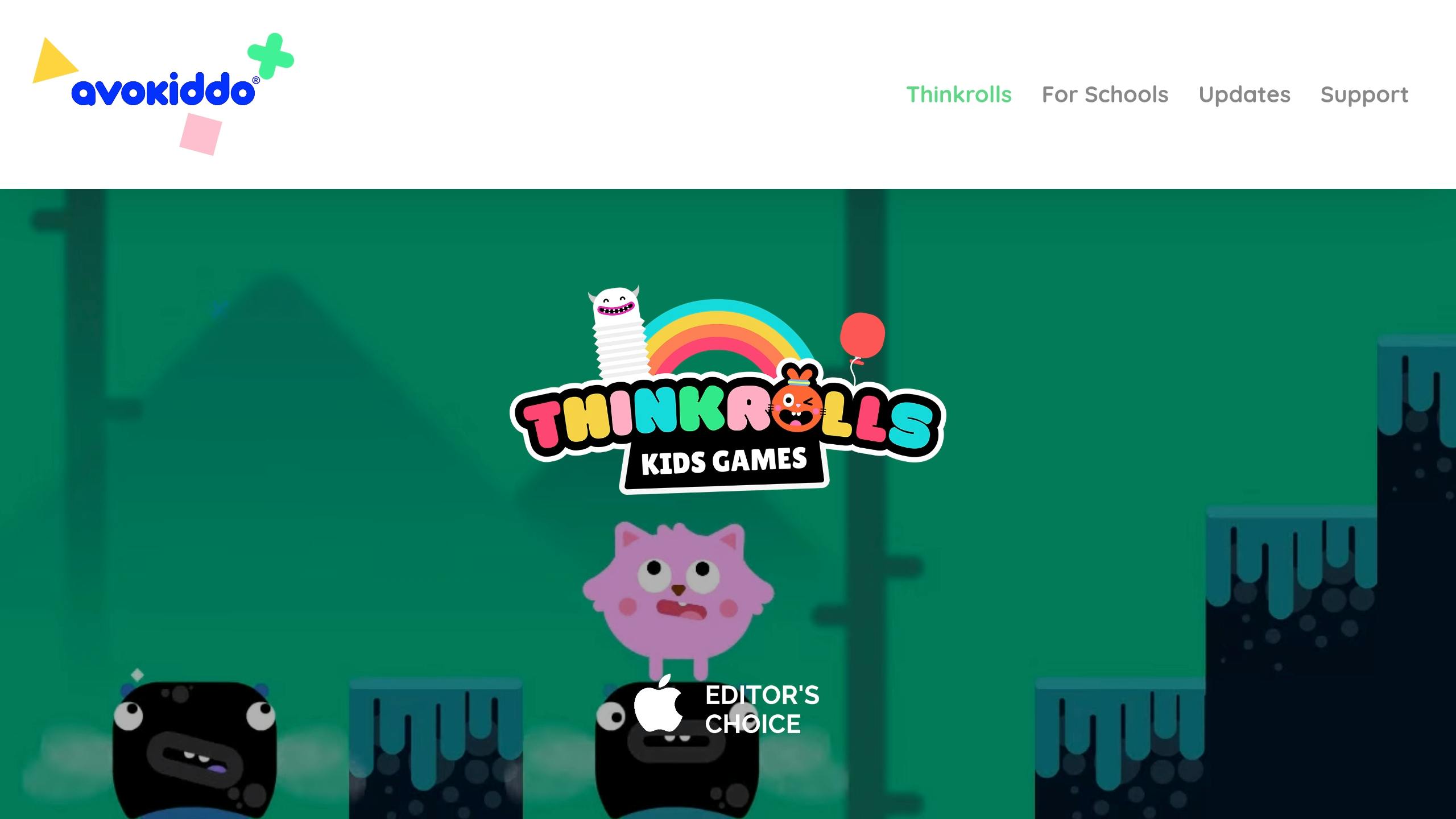
Thinkrolls is a physics-based puzzle app designed to boost critical thinking in young children. Highlighted as one of USA Today’s "10 Top Kids Apps of 2014" , it has gained the trust of over 10 million users and boasts a 4.5/5 rating on the App Store .
Tailored for Young Learners
Thinkrolls is ideal for kids aged 2–8, offering two difficulty levels to match their abilities:
| Age Group | Level | Features |
|---|---|---|
| Ages 3–5 | Easy Mode | 90 simple mazes introducing basic physics concepts |
| Ages 5–8 | Hard Mode | 90 more advanced mazes to challenge problem-solving skills |
| All Ages | Adaptive Mode | Adjusts difficulty based on the child’s performance |
Learning Through Play
The app includes 207 puzzles that teach key physics ideas, such as:
- Force and Motion: Understanding gravity and how objects move
- Material Properties: Experimenting with stretchiness, floating, and more
- Problem Solving: Developing spatial awareness and critical thinking
Fun and Interactive Gameplay
Kids can unlock 26 unique, customizable characters as they progress . Common Sense Media praised the app:
"A delightful app that will captivate and continuously challenge kids, encouraging them to think outside the box!"
Tools for Parents
Parents can create up to six player profiles on one device, making it easy to track each child’s progress separately .
Everyday Science Made Simple
The puzzles use familiar objects to teach physics. For example, cookies and crates help explain weight, balloons show floating, and jelly demonstrates stretchiness. These relatable examples make complex concepts easy for kids to understand while they play.
10. Sesame Street Alphabet Kitchen
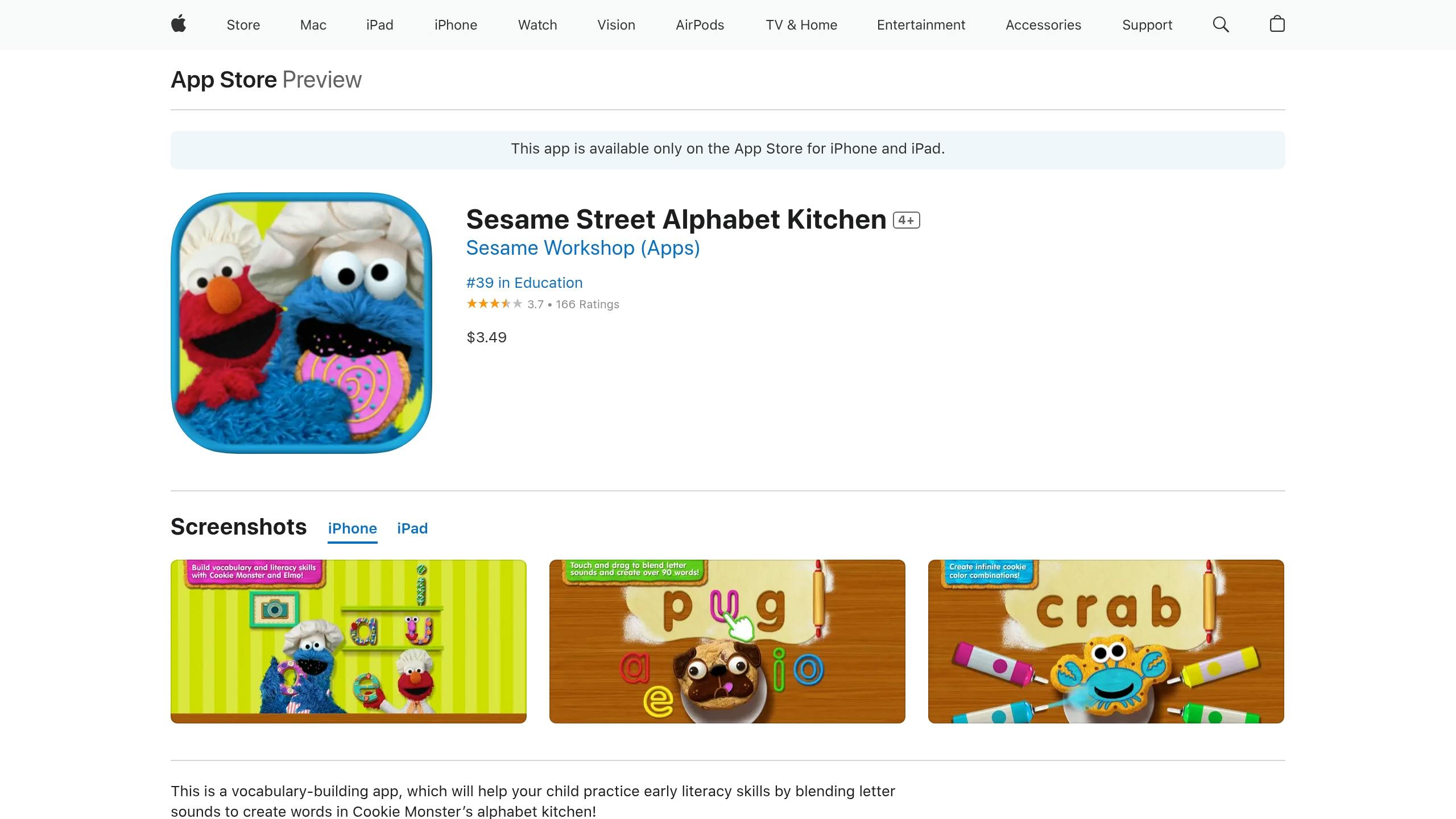
Sesame Street Alphabet Kitchen combines early literacy activities with fun, interactive gameplay featuring Elmo and Cookie Monster. According to Common Sense Media, the app stands out for its quality and attention to detail .
Interactive Learning Experience
The app offers two different modes for learning:
| Game Mode | Focus Area | Learning Activities |
|---|---|---|
| Elmo’s Kitchen | Short Vowels | Crafting and decorating letter-shaped cookies |
| Cookie Monster’s Kitchen | Word Building | Blending sounds to create 3- to 4-letter words |
Kids can explore a variety of 90 vocabulary words through 350 unique word cookie combinations . Activities include shaping letters with virtual cookie dough, blending sounds to form words, learning vocabulary through sentences spoken by Cookie Monster, and practicing phonics skills like sound blending and decoding.
Educational Framework
The app uses a synthetic phonics approach, which focuses on combining individual sounds to form words . This method is particularly useful for toddlers who:
- Recognize most letter sounds
- Are ready to practice blending sounds
- Need help with short vowel recognition
- Are starting to form simple words
Expert Assessment
Phonics.org reviewed the app and gave it the following ratings :
| Category | Rating |
|---|---|
| Quality of Literacy Instruction | 3.5/5 |
| Usability | 4/5 |
| Engagement | 4/5 |
Practical Learning Tips
Monica Burns, an education technology expert, highlights:
"Sesame Street Alphabet Kitchen includes more than 90 words to build vocabulary and literacy skills. Students will practice letter names and sounds with over 350 word cookie variations."
The app also features a camera tool, allowing kids to take pictures and connect them to the words they create, making vocabulary learning more personal . As children progress from simple three-letter words to more complex consonant blends and four-letter words , they naturally develop stronger literacy skills – all within a fun, baking-themed environment.
Next, let’s look at another tool that supports early skill-building.
11. Teach Your Monster to Read
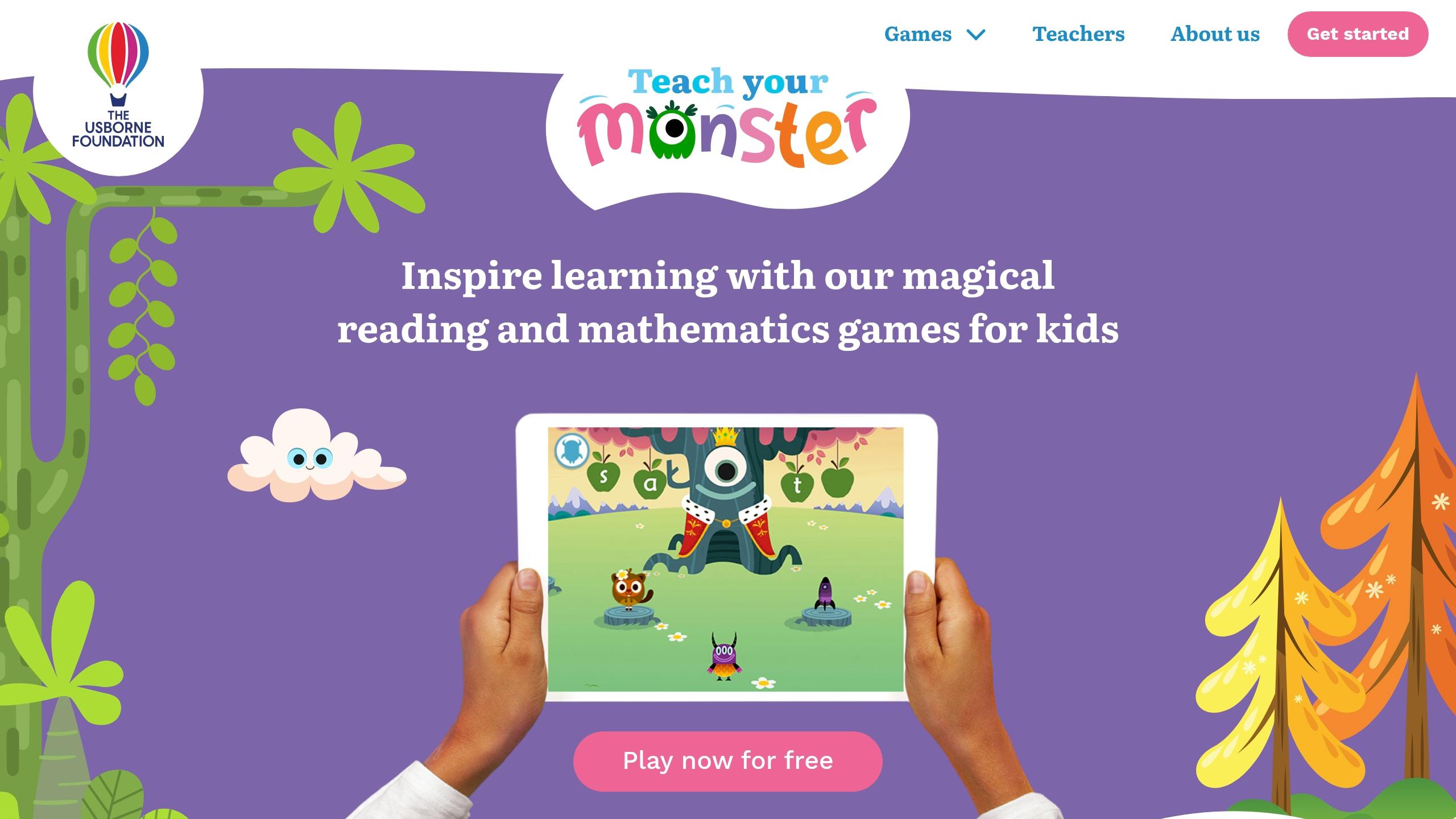
Teach Your Monster to Read has supported over 50 million children in building reading skills and confidence. Designed for toddlers aged 3–6, this platform blends structured phonics instruction with fun, interactive gameplay.
How It Works
The app follows a research-backed approach, offering three progressively challenging games that span roughly two years of learning. Here’s why it works so well:
| Feature | What It Does |
|---|---|
| Synthetic Phonics | Teaches sound blending and word formation step-by-step |
| Difficulty Adjustments | Adapts to each child’s performance level |
| Multisensory Activities | Combines visuals, sounds, and hands-on interaction |
| Progress Tracking | Highlights strengths and areas needing improvement |
A Fun, Interactive Experience
Kids start by creating their own monster character and dive into over 15 hours of engaging gameplay. Minigames like guiding ducks to ponds labeled "CH" or "ZZ" help reinforce phonemic awareness in a playful way.
Tracking Progress
Parents and teachers can use the Stats tab to track progress. It provides details like grapheme mastery, time spent playing, sound combinations that need work, and current learning stage.
What Experts Say
Manisha Snoyer, CEO and co-founder of Modulo, shares her thoughts:
"If you’re looking for a highly engaging, free way to help your child teach themselves to read, Teach Your Monster is our top choice for a free literacy app for early readers. A great choice for families on a budget, or who don’t have a lot of time to devote to their children’s learning."
This endorsement highlights the app’s mix of fun and practical learning.
Access and Tips
The app is available in two formats:
- Browser Version: Free for use on computers
- Mobile App: $5.99 on Android and $4.99 on iOS
For the best experience, consider these tips: lower the music volume to reduce distractions, use Practice Mode to focus on specific phonemes, and regularly check progress using the built-in tracker.
With over 300 million gameplay sessions logged worldwide, Teach Your Monster to Read combines effective teaching methods with engaging design, making it a powerful tool for early literacy. Next, we’ll explore Fionadarocha School Readiness Resources.
12. Fionadarocha School Readiness Resources
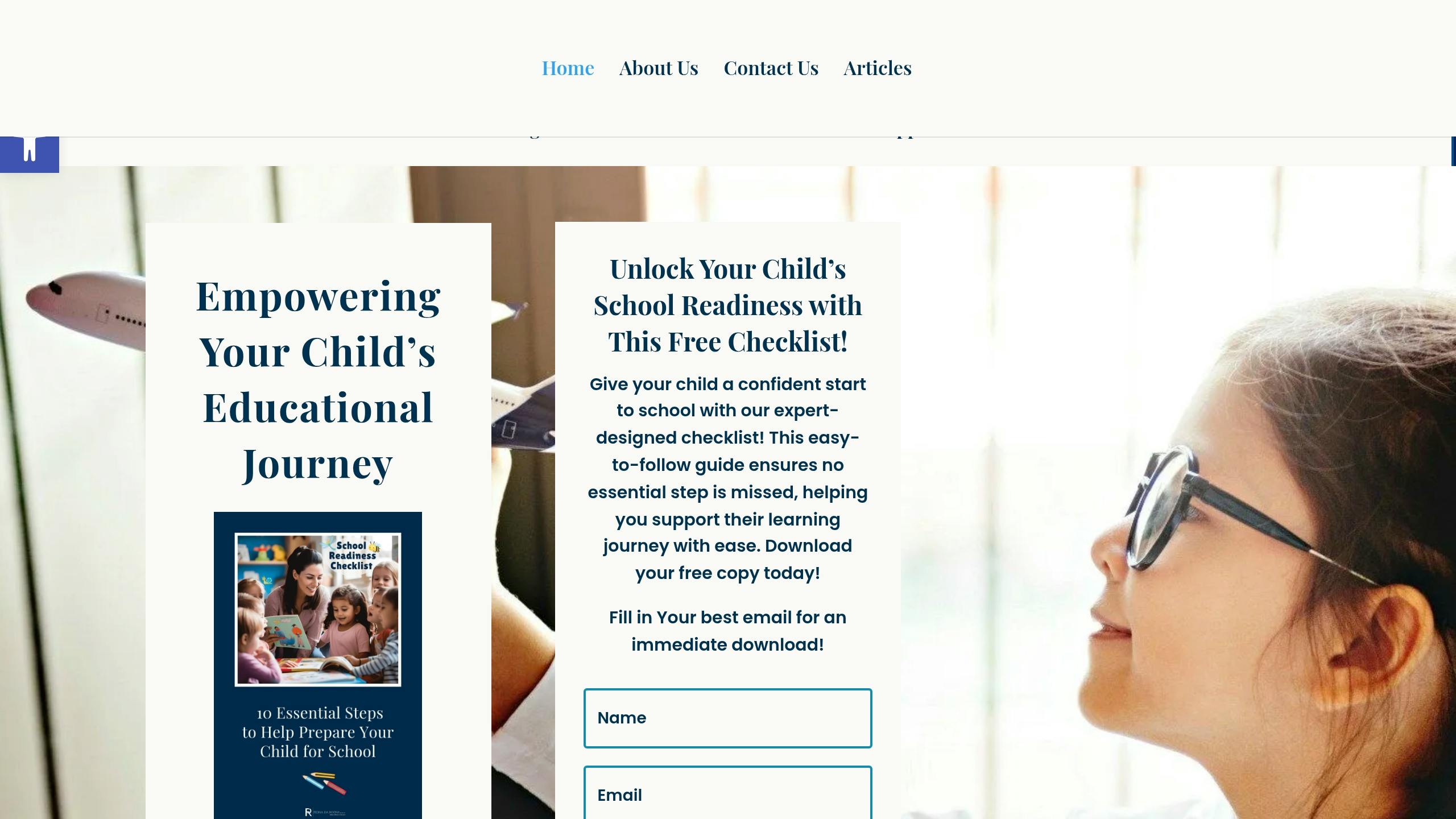
Fionadarocha offers a digital platform designed to make early learning enjoyable and effective for toddlers, drawing on years of expertise in the field. Here’s what sets it apart:
Key Features
| Feature | What It Offers |
|---|---|
| Interactive Learning Tools | Games, videos, and exercises for toddlers |
| Curriculum-Aligned Content | Covers early years foundation stage |
| Personalized Learning Paths | Matches individual learning styles |
Expert-Designed Resources
Founder Fiona Da Rocha shares her vision:
"Every child deserves a confident, joyful start to their learning journey. That’s why I’ve dedicated my life to creating resources that make school readiness easy, fun, and enjoyable for parents and children alike!"
Skill Development Focus
The platform helps toddlers build essential skills in:
- Cognitive Growth: Problem-solving through interactive exercises.
- Social and Emotional Learning: Activities that encourage self-awareness and teamwork.
- Physical Skills: Games designed to improve motor coordination.
Tools for Parents and Educators
Fionadarocha provides practical tools, such as:
- A free, downloadable school readiness checklist.
- The "Ready for School" e-book.
- Pre-made teaching materials.
- Interactive activities for hands-on learning.
The platform also supports educators with regular content updates and professional development tools, ensuring they stay informed on effective teaching methods. It combines structured learning with a playful approach to meet each child’s needs.
Conclusion
Use the insights and app reviews from earlier to guide your decision-making process with this straightforward framework:
Key Selection Criteria
| Criteria | Look For | Avoid |
|---|---|---|
| Age Suitability | Clear learning goals, simple interface, large buttons | Confusing navigation, tiny text |
| Educational Value | Content aligned with curriculum, problem-solving activities | Overuse of licensed characters, excessive branding |
| Safety Features | Parental controls, offline functionality | In-app purchases, third-party ads |
| User Experience | Interactive features, adjustable difficulty levels | Limited content, dead-end navigation |
"Start with what you know about each child and the learning setting and ask, ‘How can this particular app, or digital tool influence the learning outcome?’" – Warren Buckleitner, editor of Children’s Technology Review
Managing Screen Time
Here’s a quick look at recommended screen time based on age:
- Birth to 2 years: 1 hour daily
- 2 to 3 years: 30–60 minutes
- 3 to 5 years: Up to 1.5 hours
Tips for Getting the Most Out of Apps
- Get involved as a parent – participation matters.
- Match content to your child’s developmental stage.
- Look for constructive feedback within the app.
- Choose apps that combine learning with fun activities.
Practical Parent Strategies
- Establish screen-free zones and times.
- Read app reviews to ensure quality.
- Pay attention to your child’s emotional reactions.
- Balance educational tools with entertainment options.
- Set clear boundaries for app use.
Always test apps yourself to ensure they provide engaging, ad-free experiences.
Related Blog Posts
- School Readiness Guide: Key Skills for Kindergarten Success
- 8 Signs Your Child is Ready for Kindergarten
- Top 10 Math Games for Early Learners
- Common Questions About Preschool Social Development

Meet Fiona da Rocha, a trailblazer in education with over two decades of expertise. At the heart of her mission to transform early education, Fiona empowers parents and teachers to ignite a passion for learning in children aged 3-9. Her approach? Joyful, child-led experiences that build confidence and foster talent exploration. Discover how she’s making learning a thrilling adventure at FionaDaRocha.com-where education meets empowerment and enthusiasm.